![EarthScan_ID_White_RGB-01.png]](https://knowledgebase.earth-scan.com/hs-fs/hubfs/EarthScan_ID_White_RGB-01.png?height=40&name=EarthScan_ID_White_RGB-01.png)
After reading this article, you will learn:
In EarthScan, you can directly compare two Portfolios from your own EarthScan Organization.
Instead of downloading individual EarthScan insights to compare Portfolios, you can assess the relative climate risk of two Portfolios at a glance.
Use this feature to explore how your assets compare against each other. You can also use this feature to explore how climate-related risk compares across different subsets of your Portfolios, as well as any Portfolios shared with you.
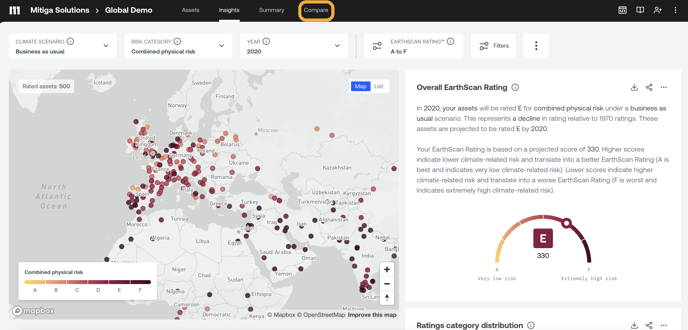
- From your Org home, click on the first Portfolio you’d like to compare another Portfolio against
- Select ‘Compare’ from the Navigation Panel
- The first Portfolio you’ve selected will appear on the left side of the screen
- Choose a second Portfolio you’d like to compare from the drop down menu
- Select your filters from the Navigation Panel to update the Insights for both Portfolios
- You’ll immediately see the EarthScan insights from your Discovery page side-by-side